Reels captions

Add subtitles to your Instagram Reels

Captions help your Reels land with viewers scrolling on mute and make your content more accessible. ClipMint generates word-level subtitles automatically, styles them with presets, and exports a captioned MP4 you can publish right away.

Open Free Studio

Transcription: 5 free min · Cloud Export: 5 free min · no account or card
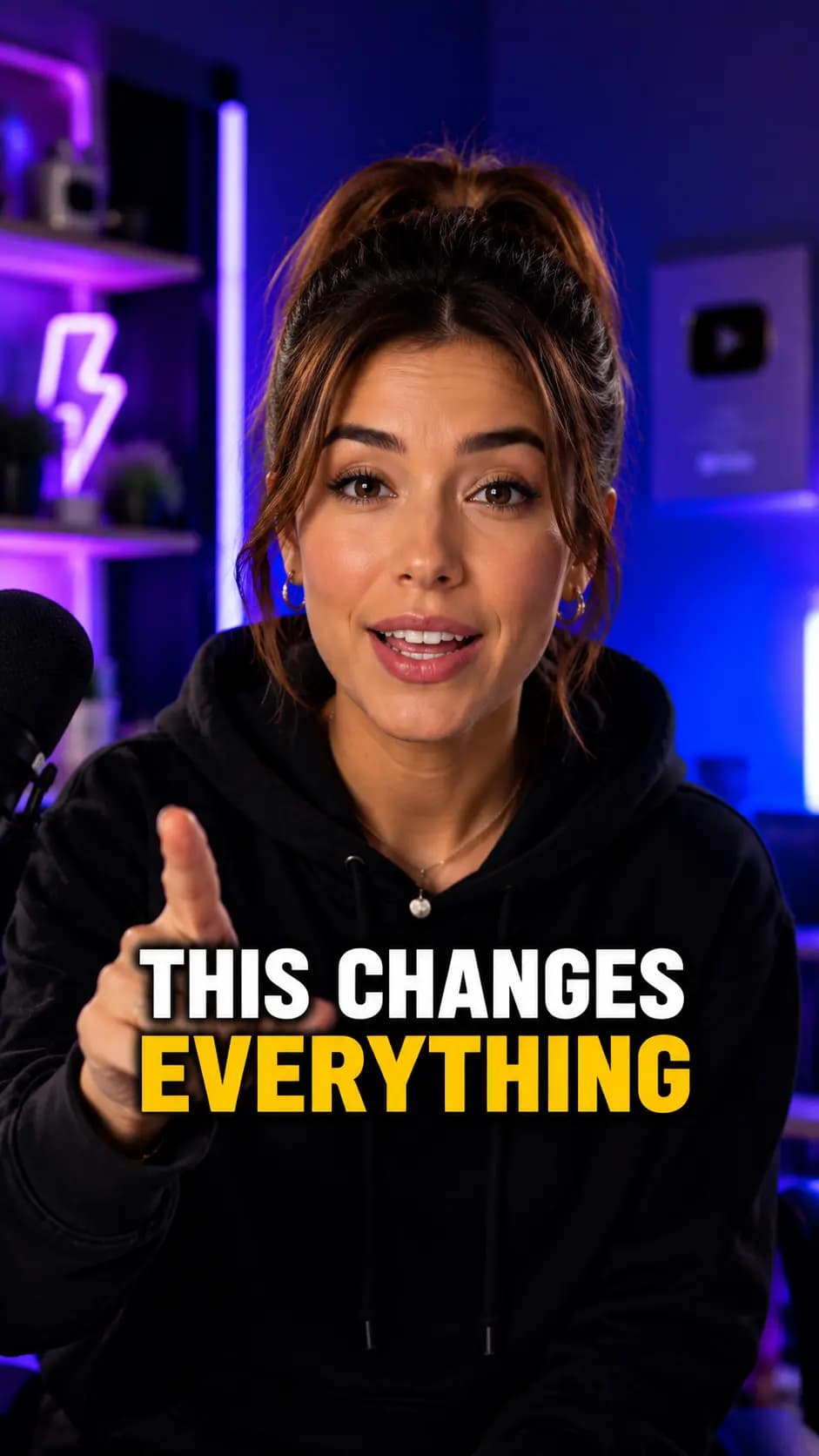
Caption styles, ready to use

Vertical video with bold white captions and a yellow highlighted keyword
Vertical video with bold white captions and an orange highlighted keyword
Vertical video with bold white captions and a blue highlighted keyword
Vertical video with bold uppercase white captions and a yellow highlighted keyword
Vertical video with elegant serif captions and an orange highlighted word

How it works

1

Drop in your Reel

Add your MP4 or MOV. It opens right in your browser, ready to caption.

2

Auto-generate captions

Auto-detect the language, or pick it when needed. Every word comes back timed and ready to refine.

3

Style and export

Choose a preset, edit any line, then export the MP4 free in your desktop browser or in the cloud.

Why creators use ClipMint

Built for mute viewing

Clear, animated captions keep viewers watching even with the sound off.

Consistent on-brand styling

Reuse the same curated preset across every Reel for a consistent look.

Flexible exports

Burn captions into an MP4 or keep them separate as an SRT/VTT file.

Frequently asked questions

Can I keep the same caption style across all my Reels?
Yes. Pick a curated preset and apply it to every project so your Reels share a consistent, recognizable caption style.
Can I edit the subtitles before exporting?
Absolutely. You can fix any word, adjust timing, and restyle captions in the editor before you export. You stay in control of every line.
How fast is it?
Fast. Short clips are usually ready quickly, and long videos can take a few minutes. The word-level subtitles land straight in the editor, ready to style.
Can I generate and Cloud Export before creating an account?
Yes. You get 5 free transcription minutes and 5 free Cloud Export minutes before signup. Supported Local Export is also free. Create an account to keep your project and unlock 15 additional transcription minutes and 15 additional Cloud Export minutes that never expire.

Add subtitles to your Instagram Reels

Get 5 free transcription minutes and 5 free Cloud Export minutes before signup.

Open Free Studio

No account. No card. No watermark.